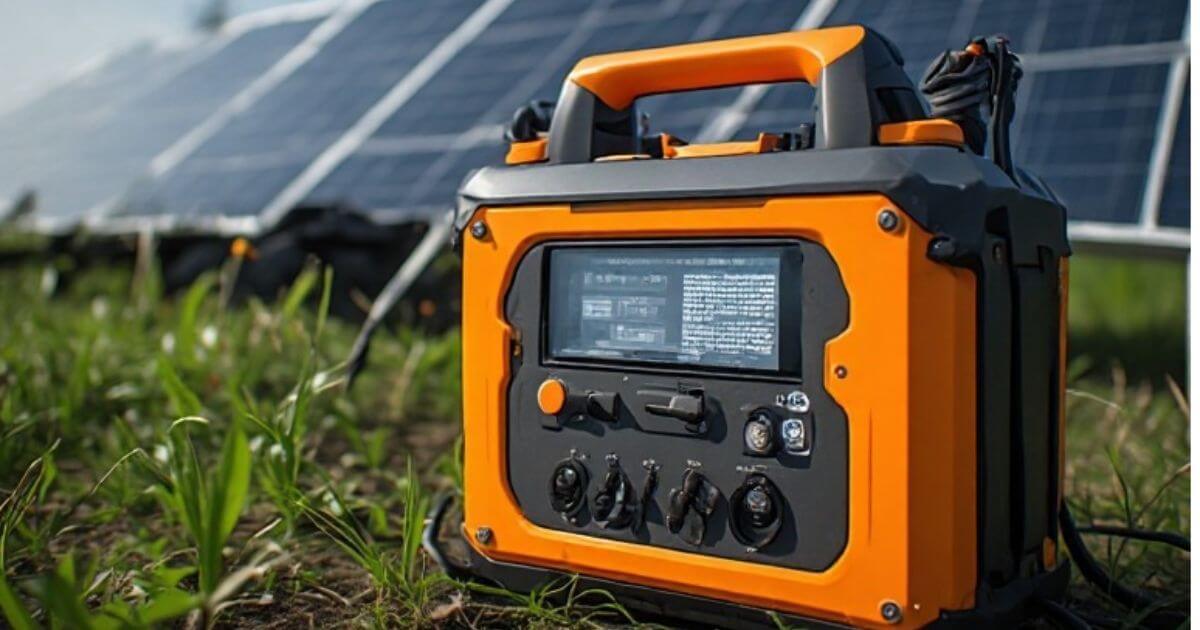
Why Does a Solar Generator Drain When Not in Use?
A solar generator is designed to store electricity and provide power whenever you need it. However, some owners notice that the battery level keeps dropping even when no appliances, lights, or charging cables are connected.
This can be confusing, especially when a fully charged power station loses several percentage points while sitting unused.
The good news is that some battery loss is normal. A solar generator contains internal electronic components that may continue using electricity even when its output ports are not powering anything. Battery self-discharge, an active inverter, standby electronics, and temperature conditions can all affect how long a unit holds its charge.
However, unusually fast battery loss may indicate a setting problem, a faulty component, or a battery issue.
In this guide, we explain the most common reasons why does a solar generator drain when not in use, how to check what is happening, and how to prevent unnecessary power consumption.
Is It Normal for a Solar Generator to Lose Battery Power When Nothing Is Connected?
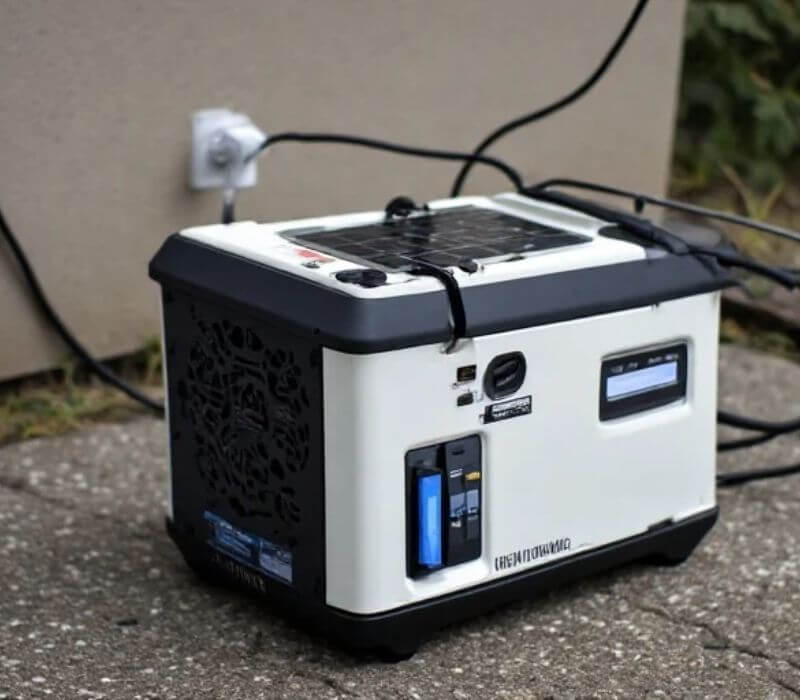
Yes. A solar generator can lose some battery charge while sitting unused. Disconnecting external devices does not necessarily turn off the internal electronics.
Most modern power stations contain a battery management system (BMS), control circuits, a display, and other electronic components. Depending on the model, some of these systems remain active even when the unit appears to be switched off.
The inverter can also consume electricity if its AC output remains enabled, even when no appliance is plugged into an outlet.
The amount of standby power consumption varies considerably between models. Battery chemistry, internal design, operating settings, temperature, and storage conditions can also affect the results.
A small drop over time does not automatically mean something is wrong. However, a unit that loses a large portion of its battery overnight or becomes completely empty after a short storage period deserves further investigation.
7 Reasons Your Solar Generator Drains When Nothing Is Connected
Several internal processes can consume stored electricity without an external load. Understanding these causes makes it easier to identify whether your power station is operating normally. Also read another problem’s solution about Why Does a Solar Generator Stop Charging at 80%?
1. The AC Inverter Is Still Running
One of the most common reasons for unexpected battery drain is leaving the AC inverter switched on.
The inverter converts the battery’s DC electricity into AC power for household appliances. Even when nothing is plugged into the AC outlets, an enabled inverter may continue using electricity to operate its internal circuits.
This is known as idle or no-load power consumption.
For example, imagine that your solar generator has a 1,000Wh battery. If its inverter consumes 10W while running without an external load, it could use approximately 240Wh over 24 hours.
That represents a theoretical 24% of the original battery capacity in one day, before considering other losses or changes in operating conditions.
The actual idle consumption depends on the inverter design and operating mode. Some models have an energy-saving feature that automatically turns off unused AC output after a period of inactivity.
How to fix it:
Turn off the AC output whenever you are not using AC-powered appliances. If your unit has an automatic standby or energy-saving setting, check the manual to see how it works.
Do not assume that an empty AC outlet means the inverter is consuming no electricity.
2. The Battery Management System Uses Power
A battery management system, commonly called a BMS, protects the battery and helps keep it operating within safe limits.
Depending on the battery design, the BMS monitors factors such as cell voltage, temperature, charging conditions, and discharge limits. It may also control protective functions when the power station is switched off.
These monitoring and control functions can require a small amount of electricity.
However, BMS consumption is not the same across all solar generators. Some systems enter a low-power sleep state during storage, while others maintain certain monitoring functions.
A small amount of battery loss over an extended period can therefore be normal.
How to fix it:
Check the manufacturer’s instructions for long-term storage and shutdown. If your power station has a dedicated storage mode, use it as directed.
Avoid repeatedly disconnecting internal battery components or attempting to disable the BMS. It is an important safety system.
3. The Display and Standby Electronics Remain Active
Some solar generators continue operating their displays, communication systems, and control electronics when they are not supplying power.
These features may include:
- Battery percentage displays.
- Wireless connectivity.
- Bluetooth communication.
- Wi-Fi monitoring.
- Mobile app connections.
- Internal control circuits.
Not every power station includes all these features, and their standby consumption differs by model.
A screen that stays illuminated can use additional electricity. Similarly, a power station with active wireless communication may consume more power than one with those features disabled.
Even when the display goes dark, the internal electronics may still be operating.
How to fix it:
Turn off unnecessary wireless features if the manufacturer allows it. Disconnect the unit from its mobile app if continuous connectivity is not needed, and use the recommended shutdown procedure.
If the display has a timeout setting, enable it to reduce unnecessary screen activity.
4. The Battery Experiences Natural Self-Discharge
Rechargeable batteries gradually lose some stored energy while sitting unused. This process is called self-discharge.
It happens because of internal chemical reactions within the battery, even when no external device is drawing electricity.
The amount of self-discharge depends on battery chemistry, temperature, battery condition, and storage time.
Many modern solar generators use lithium-ion or lithium iron phosphate (LiFePO4) batteries. These battery types generally have relatively low self-discharge compared with older battery technologies, but neither is completely free from it.
It is also important to understand that a battery percentage display may not show every small change immediately. The displayed percentage is an estimate based on the power station’s monitoring system.
How to fix it:
Store your solar generator according to the manufacturer’s recommended charge level and temperature range.
If you plan to leave it unused for several weeks or months, check the battery periodically and recharge it when necessary.
Do not assume that a power station will retain its displayed battery percentage indefinitely.
5. Wi-Fi and Bluetooth Features Continue Operating
Some newer power stations allow users to monitor battery levels, control output ports, and change settings through a smartphone application.
These features are convenient, but wireless connectivity may continue consuming electricity while the power station is not actively being used.
For example, a unit that maintains a Wi-Fi connection may use more standby power than a model with no wireless functions.
The difference depends on the manufacturer’s hardware and software design.
How to fix it:
Open the power station’s settings and look for Wi-Fi, Bluetooth, or communication options.
Disable features that you do not need during storage, provided the manufacturer supports doing so.
If remote monitoring is important to you, remember that maintaining connectivity may require some standby energy.
6. Extreme Storage Temperatures Affect Battery Performance
Temperature can influence battery performance and the amount of charge available to the user.
Very hot storage conditions can accelerate battery aging and unwanted chemical reactions. Cold temperatures can reduce the battery’s available capacity and affect voltage readings and charging behavior.
For this reason, a solar generator stored in an unsuitable environment may show unexpected changes in its battery percentage.
However, temperature-related changes in the displayed percentage do not necessarily mean that the same amount of energy has been permanently lost.
Some of the apparent change may be related to battery voltage and the way the battery management system estimates its remaining charge.
How to fix it:
Keep the power station in a dry, temperature-controlled location within the manufacturer’s recommended storage range.
Avoid leaving it inside a hot vehicle, in direct sunlight, or in an unheated area exposed to extreme cold.
Also, follow the manufacturer’s temperature restrictions when charging the battery.
7. A Battery or Internal Component May Have a Problem
If your solar generator loses a substantial amount of charge while completely shut down, a hardware problem may be responsible.
Possible causes include:
- An aging battery with reduced capacity.
- An abnormal internal power draw.
- A faulty battery management system.
- A damaged control circuit.
- An internal electrical fault.
- Incorrect battery percentage readings.
Battery problems become more likely when the unit repeatedly loses charge much faster than the manufacturer’s stated storage performance or your previous observations.
For example, if a power station previously retained most of its charge during a week of storage but now becomes nearly empty within a day, something may have changed.
How to fix it:
First, perform the basic checks described in this guide. If the problem continues, contact the manufacturer or an authorized service center.
Do not open the battery compartment or attempt internal electrical repairs yourself. Lithium battery packs can present serious electrical and fire hazards if handled incorrectly.
How to Find Out What Is Draining Your Solar Generator
Before assuming that the battery is defective, perform a simple observation test. This can help you determine whether the power loss comes from an enabled feature, normal standby consumption, or a possible internal problem.
Step 1: Check the Battery Percentage
Fully charge your solar generator according to the manufacturer’s instructions.
Once charging is complete, record the displayed battery percentage.
For example, if the display shows 100%, write down that reading along with the date and time.
Step 2: Disconnect All External Connections
Remove all charging cables, solar panels, USB devices, and other connected equipment.
Make sure no external device is drawing power from the unit.
Also check that no unnecessary accessories are connected to its ports.
Step 3: Turn Off the AC and DC Outputs
Switch off the AC inverter and any DC outputs that are not required.
If your model has separate output controls, check each one rather than assuming the entire unit has been shut down.
Step 4: Follow the Manufacturer’s Shutdown Instructions
Switch off the power station using its normal shutdown procedure.
Some models require a longer button press, while others have separate controls for the main unit and individual outputs.
Do not assume that turning off the display also shuts down every internal function.
Step 5: Check the Battery Again
Leave the power station in a suitable storage environment and check its battery level after 24 hours.
Record the new percentage.
For a more useful comparison, repeat the observation over several days under similar conditions.
Step 6: Compare the Results
If the battery level remains relatively stable after the outputs are disabled, the AC inverter or another active feature may have been responsible for much of the drain.
If the battery continues losing charge unusually quickly despite following the proper shutdown procedure, contact the manufacturer for further testing.
Remember that a displayed percentage is an estimate, so small differences do not always represent an exact measurement of energy loss.
How Much Battery Drain Is Normal When a Solar Generator Is Not Being Used?
There is no single percentage that applies to every solar generator.
Different models have different standby power requirements, battery capacities, internal electronics, and storage modes. Battery chemistry and temperature also influence storage performance.
The most useful reference is the manufacturer’s stated standby consumption, self-discharge rate, or storage instructions.
You can also estimate how much energy an enabled feature might consume.
For example, consider a power station with a 1,000Wh battery and an inverter that draws 5W while enabled without an external load.
Its theoretical energy consumption would be:
- 5Wh in one hour.
- 40Wh in eight hours.
- 120Wh in 24 hours.
This is equivalent to 12% of a 1,000Wh battery’s rated energy over 24 hours.
The calculation assumes continuous 5W consumption and does not account for additional conversion losses, battery reserve, or changes in operating conditions.
This example shows why an inverter left running can cause noticeable battery drain even when no appliance is connected.
For a more accurate assessment, always check the actual idle consumption specified for your particular model.
How to Prevent a Solar Generator From Losing Charge During Storage
If you want your power station to retain its energy for an emergency, proper storage habits can make a difference.
Turn Off Unused Power Outputs
Keep the AC inverter, USB ports, and DC outputs switched off when you are not using them.
This reduces unnecessary power consumption from active output circuits.
Disable Unnecessary Wireless Features
If your unit supports Wi-Fi or Bluetooth, turn off features that you do not need during storage.
Check the manual first because some communication functions may be required for monitoring or certain operating modes.
Use the Recommended Storage Charge Level
Do not assume that storing every solar generator at 100% is the best option.
Different battery manufacturers recommend different storage charge levels. Many lithium-based power stations are designed to be stored at a partial charge rather than kept fully charged for long periods.
Follow the exact recommendation for your model.
Keep the Unit Away From Extreme Temperatures
Store your power station in a dry location within its specified temperature range.
Avoid excessive heat, freezing conditions, moisture, and direct sunlight.
Check the Battery Periodically
Even when a power station is switched off, its battery can gradually lose charge.
Check the battery level at the interval recommended by the manufacturer. Recharge it when necessary to prevent excessive discharge during long-term storage.
Follow the Manufacturer’s Long-Term Storage Instructions
Some power stations have a dedicated storage mode or a recommended procedure for extended periods of inactivity.
These instructions may include a specific battery level, shutdown method, and inspection schedule.
Following them is safer than relying on general storage advice that may not suit your particular battery.
When Should You Be Concerned About Battery Drain?
A small reduction in battery percentage during storage is not necessarily a problem.
However, certain symptoms suggest that your solar generator needs further attention.
Pay particular attention if:
- The battery loses a large percentage of its charge overnight while properly shut down.
- The unit becomes empty after only a few days of storage.
- The battery percentage drops suddenly without an obvious reason.
- The power station shuts down even though the display shows sufficient charge.
- The battery percentage changes significantly after restarting the unit.
- The unit becomes unusually hot while sitting unused.
- You notice swelling, an unusual smell, smoke, or other signs of physical damage.
If you notice swelling, smoke, or an unusual burning smell, stop using the unit. If it is safe to do so, disconnect it from external power and keep away from it. Do not charge or open it. Follow the manufacturer’s emergency instructions and seek professional assistance.
For repeated unexplained battery loss, contact the manufacturer with your recorded battery readings, model number, and observations.
Final Verdict: Why Does a Solar Generator Drain When Not in Use?
A solar generator can lose battery power even when nothing is connected because its internal electronics may continue operating after the external devices have been removed.
The AC inverter is one of the most important things to check because it can consume electricity without supplying power to an appliance. The battery management system, wireless connectivity, display, standby circuits, and natural battery self-discharge can also contribute to energy loss.
If you want your solar generator to retain its charge during storage, switch off unused outputs, disable unnecessary features, maintain suitable storage conditions, and follow the manufacturer’s recommended battery care instructions.
Most importantly, do not ignore unusually fast battery drain. If your power station continues losing a substantial amount of charge after a proper shutdown, contact the manufacturer or an authorized technician.
Understanding the difference between normal standby consumption and abnormal battery loss can help you protect your power station and keep it ready when you need backup electricity.
Frequently Asked Questions
1. Why Does My Solar Generator Lose 10% Battery Overnight?
An overnight 10% drop can have several explanations. The AC inverter may still be operating, wireless features may remain active, or internal standby electronics may be consuming electricity.
The battery percentage display can also change as the monitoring system updates its estimate.
However, a repeated 10% overnight loss while the unit is properly shut down should not automatically be considered normal. Check the manufacturer’s standby specifications and contact support if the problem continues.
2. Does a Solar Generator Drain When It Is Completely Turned Off?
Yes, it can. Some power stations continue using a small amount of electricity for internal monitoring and battery protection even after shutdown.
Natural battery self-discharge also occurs during storage.
The amount of energy lost depends on the model, battery chemistry, temperature, and storage period.
3. Does Leaving the AC Inverter On Drain the Battery Without Anything Plugged In?
Yes. An enabled inverter may consume electricity even when no appliance is connected.
This is called no-load or idle power consumption. Switching off the AC output when it is not needed can help reduce unnecessary battery drain.
4. How Long Can a Solar Generator Hold Its Charge?
There is no universal storage period for all solar generators.
Some models retain their charge well over extended storage periods, while others lose energy more quickly because of internal standby consumption.
Battery condition, chemistry, temperature, and shutdown settings also matter.
Check the manufacturer’s storage specifications instead of relying on a general number.
5. Should I Leave My Solar Generator Plugged In All the Time?
Not necessarily.
Some manufacturers allow continuous connection to a charger, while others recommend a particular storage charge level and periodic charging schedule.
Keeping a battery continuously at full charge may not be ideal for every battery design.
Follow the charging and storage instructions supplied with your specific power station.
6. Does Turning Off the Display Stop Battery Drain?
It may reduce some power consumption, but it does not necessarily shut down the inverter, battery management system, wireless functions, or other internal electronics.
The display and the main power system can operate independently.
7. Can a Bad Battery Cause a Solar Generator to Lose Charge?
Yes. An aging or damaged battery can have reduced capacity or abnormal discharge behavior.
However, a rapid drop in battery percentage does not automatically prove that the battery is defective.
Check the output settings, storage conditions, and manufacturer’s troubleshooting instructions before arranging a battery inspection.